Playwright MCP: AI-Powered Browser Automation Guide (2026)
In the high-stakes world of web development and quality assurance, senior developers and testers need tools that match their expertise—tools that deliver precision, efficiency, and scalability. Playwright MCP rises to the challenge, building on the Playwright framework with a server-based, AI-driven approach to browser automation. This post dives into its advanced features, real-world applications, and hands-on examples.
Why Playwright MCP Resonates with Senior Professionals
Playwright MCP isn't just another automation tool—it's a server that uses structured accessibility snapshots for fast, reliable interactions, sidestepping the inefficiencies of vision-based methods. For seasoned devs and testers, this translates to:
- Workflow Efficiency: Automate complex tasks without screenshot processing delays
- Interaction Precision: Leverage the accessibility tree for consistent, deterministic results
- Advanced Scalability: Tackle multi-tab workflows, iframes, and authenticated sessions effortlessly
Getting Started: Quick Steps for Pros
Launch the Server:
npx @playwright/mcp@latest
Customize Execution:
npx @playwright/mcp@latest --headless --browser=firefox
Install in Cursor or Copilot:
{
  "mcpServers": {
    "playwright": {
      "command": "npx",
      "args": ["@playwright/mcp@latest"]
    }
  }
}
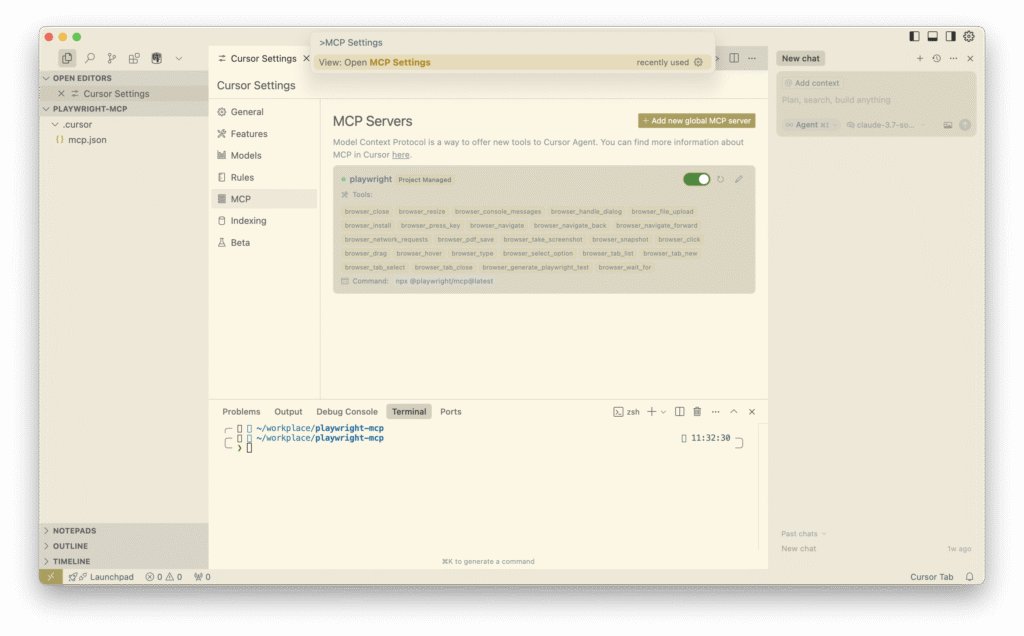
Enable it in the Cursor Settings
- Open the MCP settings (Search in the commands palette)
- Simply use shortcut cmd+shift+p on Mac
- Simply use shortcut ctl+shift+p on Windows
- Confirm the Playwright MCP is ON.
Top Features for Advanced Users
1. Dynamic Content Handling
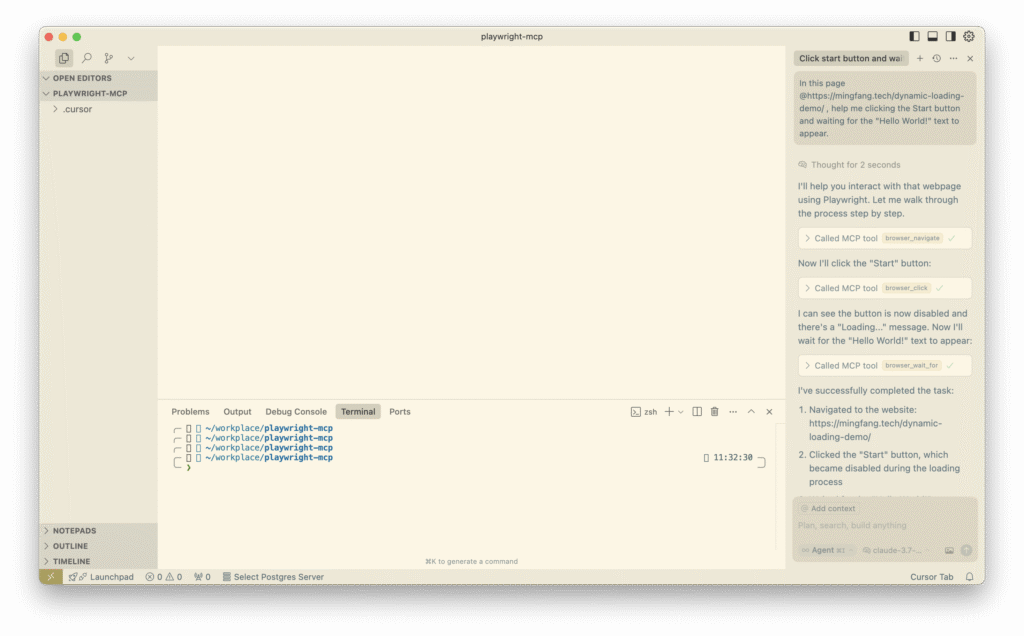
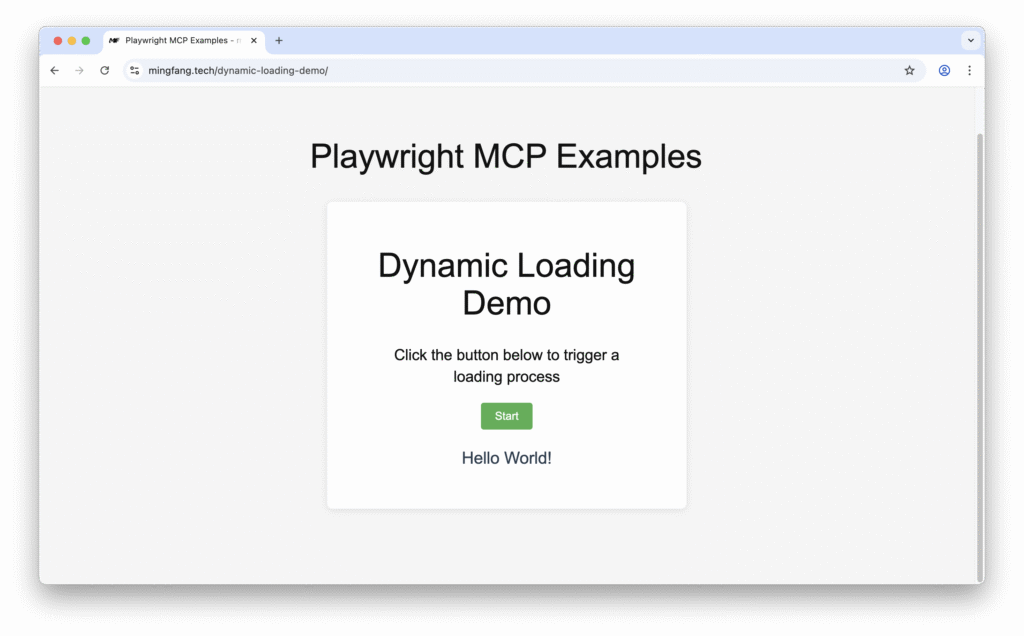
Simply copy and paste the example prompt below and test yourself:
In this page https://mingfang.tech/dynamic-loading-demo/, help me clicking the Start button and waiting for the "Hello World!" text to appear.
The browser_wait_for command ensures stability by pausing until conditions like text element visibility are met.
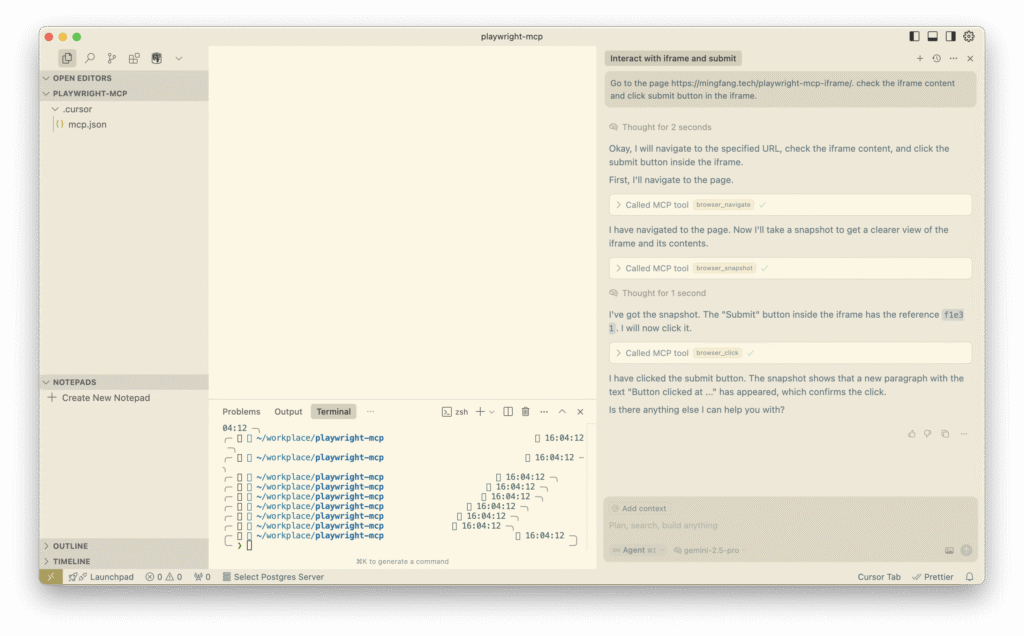
2. Iframe Mastery
Example prompt:
Go to the page https://mingfang.tech/playwright-mcp-iframe/. check the iframe content and click submit button in the iframe.
browser_frame lets you switch contexts to interact with embedded elements seamlessly.
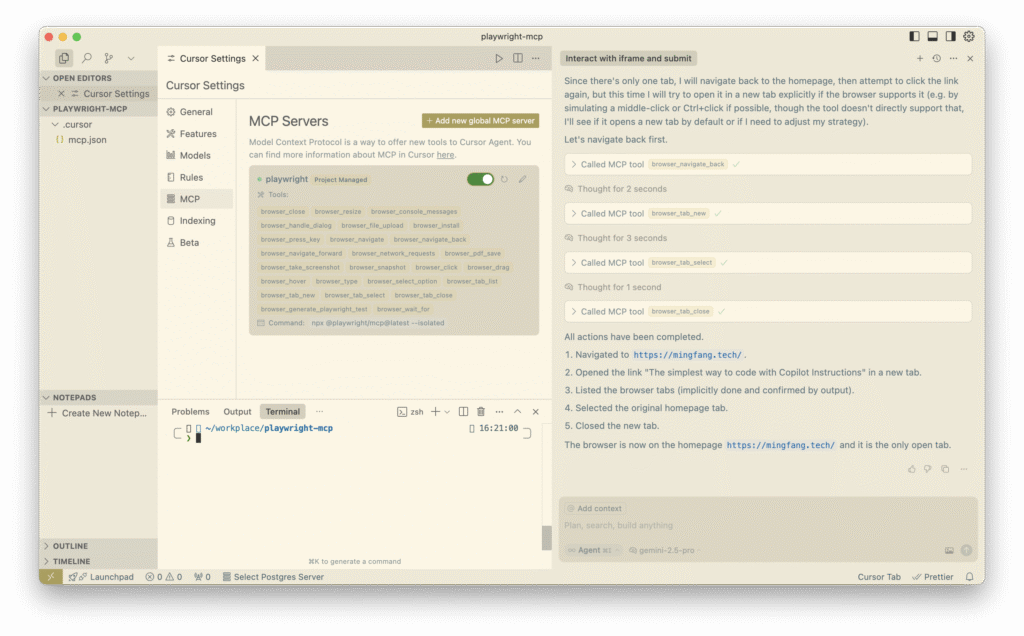
3. Multi-Tab Management
Example prompt:
Go to the homepage https://mingfang.tech/ and click link "The simplest way to code with Copilot Instructions" in a new tab. List the browser tab, select the previous homepage tab and close the new tab.
Commands: browser_list_tab, browser_new_tab, browser_switch_tab, browser_switch_close
Real-World Applications
Playwright MCP excels in scenarios you face daily:
- End-to-End Testing: Automate UI and API interactions across browsers
- CI/CD Integration: Embed automation in Jenkins or GitHub Actions
- Authenticated Workflows: Manage sessions to test post-login features
What Sets Playwright MCP Apart
For senior professionals, it's about:
- Speed & Reliability: Accessibility-driven interactions outpace screenshot-based tools
- Advanced Features: Handles dynamic content, iframes, and more with ease
- Integration: Fits your existing pipelines like a glove
Wrap-Up
Playwright MCP empowers senior developers and testers to conquer complex automation challenges with precision and speed. From dynamic content to CI/CD workflows, it's built for your needs.
Drop a comment, Stay Alive and Keep Coding guys!
Frequently Asked Questions
What is MCP with Playwright? MCP (Model Context Protocol) with Playwright means running Playwright as an MCP server, so AI models like Claude can directly control browsers through natural language. Instead of writing Playwright scripts yourself, you describe what you want — "navigate to this URL and extract all product prices" — and Claude executes it using Playwright under the hood.
Does Playwright have a MCP server?
Yes. The official @playwright/mcp package provides a production-ready MCP server built on Playwright. It exposes browser automation tools (navigate, click, fill, screenshot, extract) that any MCP-compatible AI client can call. Anthropic maintains it as part of the Model Context Protocol ecosystem.
What is the difference between Playwright agents and MCP? Playwright agents typically refer to AI-driven scripts that use Playwright's API directly — you write the agent logic yourself. Playwright MCP is a layer above: it exposes Playwright's capabilities as standardised MCP tools, so any AI model (Claude, GPT-4, etc.) can use them without custom agent code. MCP is the protocol; Playwright is the implementation underneath.
How to use MCP for testing? Add Playwright MCP to your AI client (Claude Desktop or Cursor), then describe your test scenario in plain language: "Log in with test credentials, navigate to the checkout page, verify the total price matches the cart." Claude will execute each step using Playwright and report results. For repeatable tests, save the conversation as a test spec — Claude can re-run it on demand.
Interested in AI governance for your firm?
Let's have a practical conversation about where you stand.
Get in Touch →